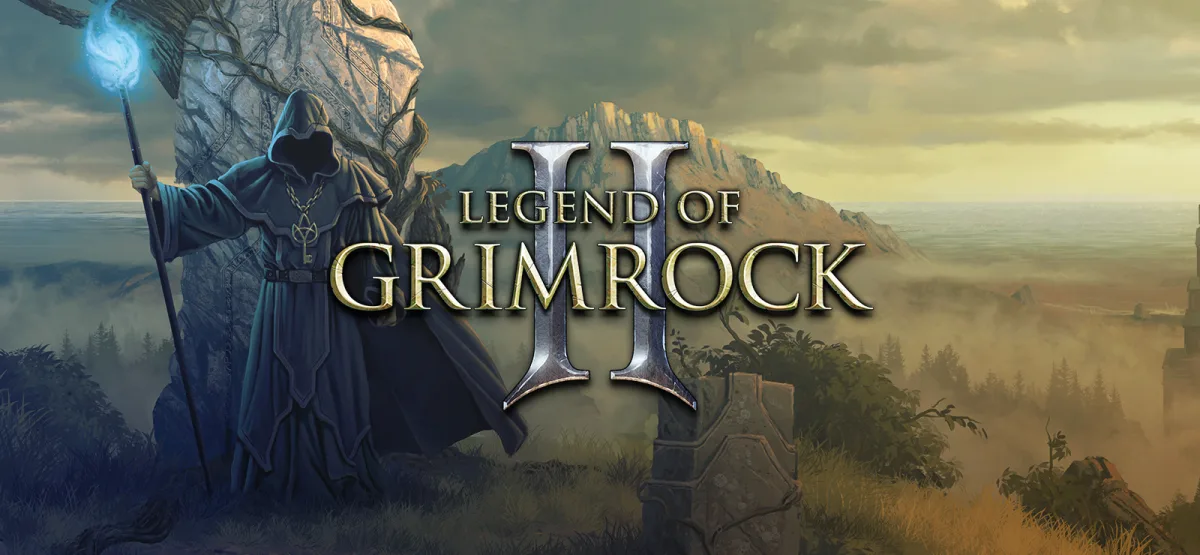
Legend of Grimrock 2 is a first-person dungeon crawler that takes the grid-based exploration of the classic era and wraps it in a modern, hand-crafted world. You lead a party of four shipwrecked prisoners across the Isle of Nex, a place built around ancient ruins, hidden passages, and puzzles that reward patience more than reflexes. This page covers what the game actually does, how the download works, and what to expect before you install it on Windows.
The installer here is a direct GOG package delivered through UploadHaven. The file is 808.21 MB, and the process is a one-click download followed by a standard Windows setup. If you want the exact build number, treat any version label on this page as an estimate, since the source listing does not publish a specific version string.
Technical Specifications
| Attribute | Details |
|---|---|
| Version | Estimated current build (GOG installer) — exact version not published in source |
| File Size | 808.21 MB |
| Operating System | Windows |
| Category | Dungeon crawler / RPG |
| License | Free |
| Developer | GOG Unlocked |
Download Legend of Grimrock 2 (808.21 MB)
What Legend of Grimrock 2 Is
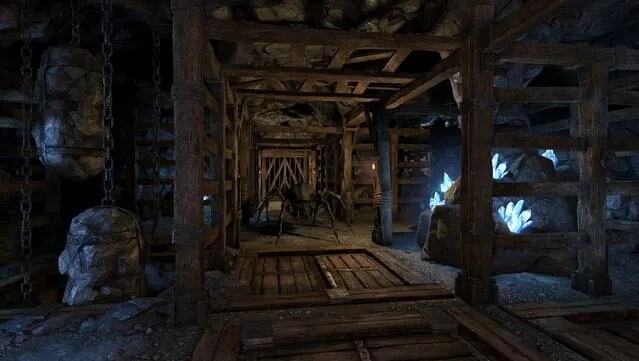
This is a dungeon crawler in the tradition of step-based, first-person party RPGs. You move through a tile-based grid, manage four characters at once, and solve environmental puzzles that gate your progress. The game shifts the emphasis away from pure combat grinding and toward observation: pressure plates, hidden levers, timed doors, and riddles are as important as your sword arm.
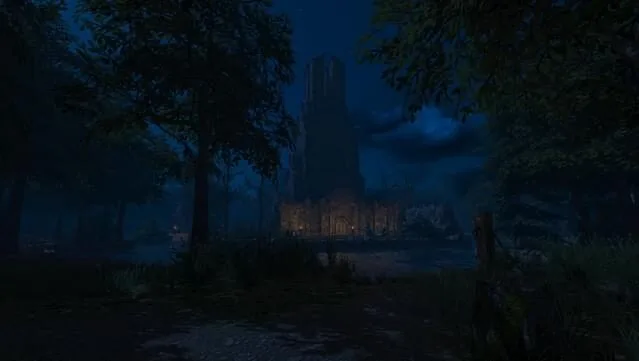
The setting is the Isle of Nex. Your party begins as shipwrecked prisoners, and the island itself becomes the antagonist — a place of crumbling ruins, overgrown wilderness, and buried secrets. You explore dungeons and outdoor zones, uncover artifacts, brew potions from gathered ingredients, and fight monsters in real time rather than in turn-based menus.
If you enjoy puzzle-first RPGs, the related RPG Time: The Legend of Wright Free Download is a natural companion pick, and fans of slower, systems-driven dungeon play may also like Legends of Dragaea: Idle Dungeons (v2.0.9).
Key Features
- Four-character party control: Build and manage a full party, assigning roles and gear across the group as you descend.
- Grid-based first-person movement: Classic step-by-step exploration that makes positioning and facing direction matter.
- Puzzle-driven progression: Levers, pressure plates, secret doors, and riddles are core to advancing, not optional side content.
- Real-time combat: Enemies engage you live, so timing and spacing count alongside your stats.
- Item crafting and potions: Gather ingredients and mix potions to sustain the party between fights.
- Hidden artifacts and secrets: The Isle of Nex rewards thorough searching with gear and lore tucked away off the main path.
- Hand-built world: Dungeons and outdoor areas are designed as deliberate puzzle spaces rather than generated filler.
Gameplay and Storyline
The premise is simple and effective: four prisoners survive a shipwreck and wash up on the Isle of Nex. From there, the game hands you an island and lets exploration do the storytelling. The ruins you find, the inscriptions you read, and the creatures you meet build the sense of place. You are not pushed through cutscenes; you are pushed through doors you have to figure out how to open.
Combat is real time, which changes how you approach each room. You will often want to scout an area, note where enemies patrol, and decide whether to fight or find another route. Because the party has four members, you can specialize — a front line that absorbs hits, a caster or ranged attacker behind them, and support roles that keep everyone alive. Potion crafting supports that structure by letting you convert gathered materials into healing and buffs.
The puzzle layer is where the game separates itself. Many rooms are effectively locks, and the key is a pattern, a weight on a plate, or an object placed in the right spot. That design rewards note-taking and careful looking. If you like the idea of a dungeon that treats you as an investigator rather than a damage dealer, this is the core appeal.
Who It Is For
Legend of Grimrock 2 suits players who grew up on grid-based dungeon crawlers and want that structure with modern presentation. It also works for RPG players who prefer solving a room to clearing it. If you want fast action combat or a heavily narrative, cutscene-driven story, the puzzle-first pacing may feel slow. The game asks you to stop, look, and experiment, and that is either the draw or the friction depending on your taste.
Pros & Cons
- Pros: Deep puzzle design that makes exploration meaningful; four-character party building with real role choices; real-time combat that adds tension; potion crafting that ties gathering to survival; a dense, hand-crafted island setting.
- Cons: Puzzle-heavy pacing can stall players who miss a clue; real-time combat punishes unprepared parties; grid movement feels dated to some players; the source listing does not publish an exact version number, so build details are estimated.
System Requirements
The listing provides the following minimum specifications for Windows. Treat them as the baseline the game was built around.
- Windows XP
- Dual Core 2.33 GHz Intel or 3.0 GHz AMD processor
- 2 GB RAM
- Geforce GTX 8800, AMD Radeon 4850, or Intel HD Graphics 5200 or better (1 GB graphics memory or more; Shader Model 3.0 support required)
- Minimum supported resolutions: 1280×720 and 1024×768
- DirectX 9.0c
- Disk Space: 2 GB
How to Download and Install
The download flow is straightforward. Follow these steps in order and the game will be running from a desktop shortcut.
- Click the Download button on this page. You will be redirected to UploadHaven.
- Wait 5 seconds, then click the blue “download now” button. A download manager such as FDM (free from freedownloadmanager.org) can speed up large transfers.
- When the download finishes, right-click the .zip file and choose “Extract to Legend of Grimrock 2.zip.” You will need 7-Zip (available at 7-zip.org) or the built-in Windows extractor.
- Open the extracted Legend of Grimrock 2 folder, run the setup application, accept the EULA, and complete the installation.
- Launch the game from the desktop shortcut.
Trust Signals and Version Freshness
This page lists a direct GOG installer package served through UploadHaven, with a file size of 808.21 MB. The publisher field in the source data is GOG Unlocked. Because the listing does not publish a specific version string or changelog, any version reference here is labeled as estimated rather than confirmed. Check the file size after download — 808.21 MB is the expected value — and verify the extracted folder contains a working setup application before installing.
Installation guidance matters more than marketing claims here. Use a download manager if your connection drops large files, extract with a reliable tool, and keep the installer archive until you confirm the game launches. If you enjoy the game and want to support the developers, the listing points to the official GOG store page for purchase.
Screenshots
Final Download
Legend of Grimrock 2 — Size: 808.21 MB
This download is free. If you love the game and want to purchase it, you can support the developers on the official GOG page. For more party-based and legend-themed picks, see Snowboard Legends.
Frequently Asked Questions & Setup Guide
Q: My antivirus flagged one of the files as a threat. Is this game safe?
A: Yes, all files on our site are 100% verified clean. Antivirus software may occasionally flag steam_api.dll or crack files as false positives due to modified game binaries. Temporarily whitelist the game directory before extracting.
Q: I get a missing DLL error (e.g., VCRUNTIME140.dll, MSVCP140.dll, or D3DCOMPILER). How do I fix it?
A: Missing DLL errors indicate missing Windows system libraries. Ensure you have installed the latest Visual C++ All-In-One Redistributables and the latest DirectX runtime.
Q: Where are my game save files located?
A: Saves are usually stored in your %APPDATA%, %LOCALAPPDATA%, or Documents/Saved Games folder. Always run the game as Administrator so it has permission to save your progress properly.
Q: Can I play online or multiplayer with friends?
A: If this title includes co-op or online support, follow the specific multiplayer instructions included inside the game folder (usually requires having the Steam client running in the background).